Redesign or rebuild? How to tell before you spend
Should you refresh your current website or start again? A practical guide to the signs, costs and risks of a redesign versus a full rebuild.
For: Owners of an ageing or underperforming website
Lorenzo DevereuxFounder & CEO, Devereux Digitals
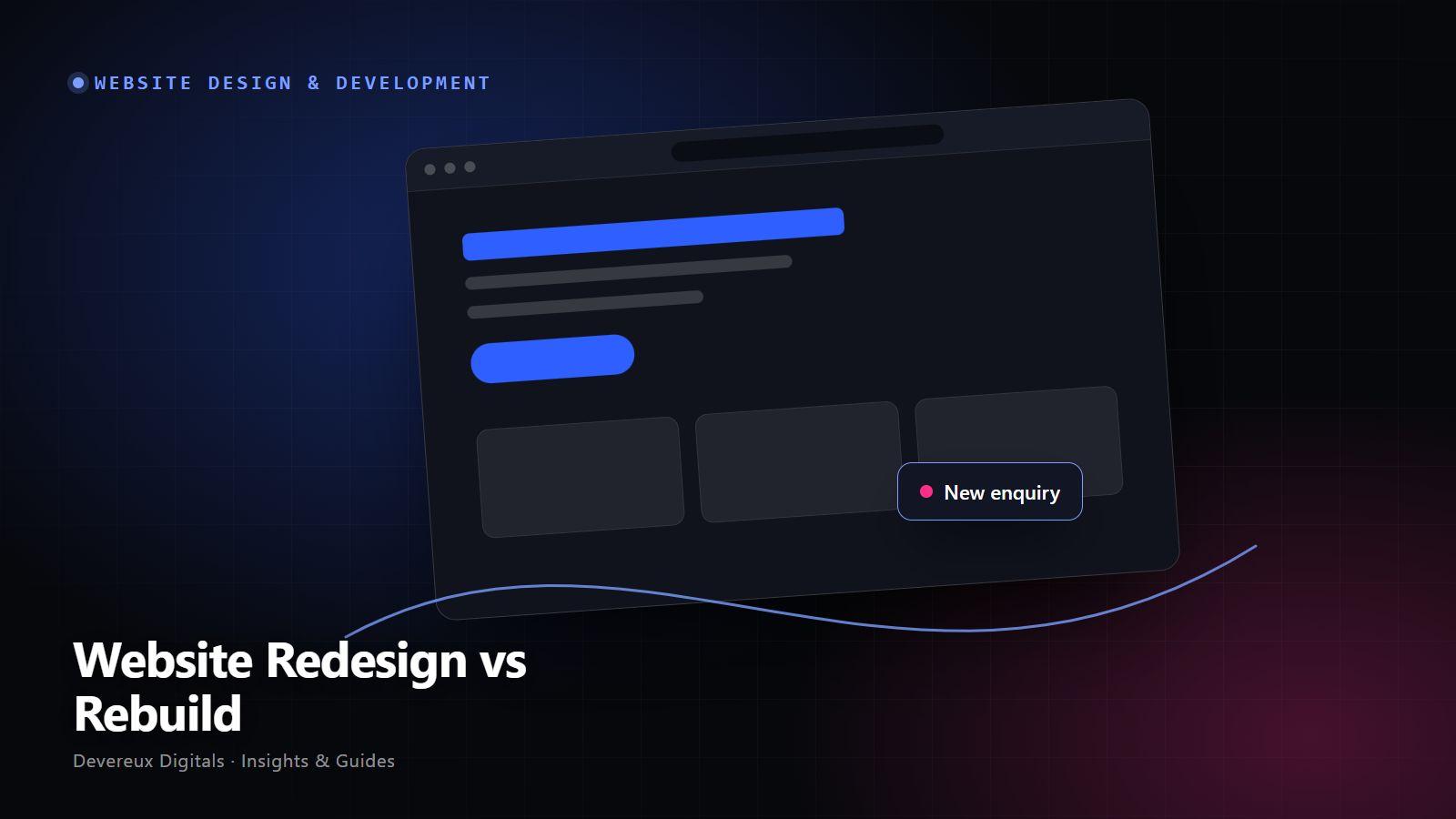
When a website stops performing, the instinct is often to “redo it”. But that can mean two very different projects: a redesign that improves what visitors see, or a rebuild that replaces what the site is built on.
Choosing the wrong one is expensive. Redesign a site with broken foundations and the problems return. Rebuild a site that only needed better content and you’ve spent months on unnecessary work.
The difference in plain terms
| Aspect | Redesign | Rebuild |
|---|---|---|
| What changes | Visual design, layout, copy, imagery | Platform, code, structure, hosting |
| Typical trigger | Looks dated, unclear, low trust | Slow, insecure, hard to edit, cannot integrate |
| Effort | Lower | Higher |
| SEO risk | Low if URLs stay the same | Higher without a migration plan |
Signs a redesign is enough
- The site works and loads reasonably fast, but looks dated.
- Your services or positioning have changed and the copy no longer fits.
- Visitors don’t understand what you offer quickly enough.
- You can edit content yourself without difficulty.
Signs you need a rebuild
- Pages stay slow even after compressing images.
- Updates break things, or plugins and themes are no longer maintained.
- You rely on a developer for every small change.
- You need integrations (CRM, booking, payments) your platform can’t handle well.
- The site was built for desktop and patched for mobile.
A simple way to decide
- Audit performanceRun PageSpeed Insights and check Search Console for errors. Poor scores on a simple page point to platform problems.
- Audit editingAsk your team how long it takes to change a page or add a service. Pain here is a signal to rebuild.
- List what you need nextBookings, payments, a client portal, multiple languages. If your platform can’t support them, rebuild.
- Compare the cost of patchingIf fixing the old site would cost close to rebuilding it, rebuild.
Protecting your search rankings
Rankings are attached to URLs and content, so plan carefully when either changes. Keep URLs where possible, set up 301 redirects for any that change, retain your best performing content and resubmit your sitemap after launch.
Illustrative example: two businesses, two different answers
Consider a dental practice whose site runs on a well maintained platform, loads quickly and is easy to edit, but still shows decade old photos and lists treatments the practice no longer offers. This is a redesign: new photography, updated copy and a clearer booking path. The platform stays.
Now consider a training company whose site runs on an old theme with abandoned plugins. It takes several seconds to load, breaks whenever anything is updated and can’t connect to the booking system. However good a new design looks, it would sit on the same fragile foundation. This is a rebuild, with a careful migration plan to protect the course pages that already rank in search.
Common mistakes to avoid
- Choosing a rebuild because it feels more decisive, without auditing first.
- Changing every URL without redirects.
- Deleting content that already ranks and converts.
- Underestimating the time needed to rewrite content.
How to measure success
Before starting either project, record your baseline: organic traffic to key pages, enquiries per month, page speed scores and the time it takes your team to publish a change. Compare the same numbers one month and three months after launch.
For a rebuild, also monitor Search Console for crawl errors and missing pages in the weeks after launch, and fix any missing redirects quickly.
Your action checklist
- Run a speed and Search Console audit.
- Ask your team how hard editing is today.
- List the features you will need in the next two years.
- Export a list of your top performing pages.
- Plan redirects before anything goes live.
Questions to ask before you start
- Is our problem what visitors see, or what the site is built on?
- Which pages bring in most of our traffic and enquiries today?
- What do we need the site to do in two years that it cannot do now?
- Who will maintain the site after launch?
Tools and technologies
- Google Search Console
- PageSpeed Insights
- Screaming Frog
- Next.js
- WordPress
- Webflow
Frequently asked questions
Conclusion
Redesign when the problem is what visitors see. Rebuild when the problem is what the site is built on. Either way, audit before you decide, and choose the smallest change that solves the real problem.